Casino
 Live Casino
 Sports
 Search
 Profile

Luckywave App for Android and iOS Devices in the UK
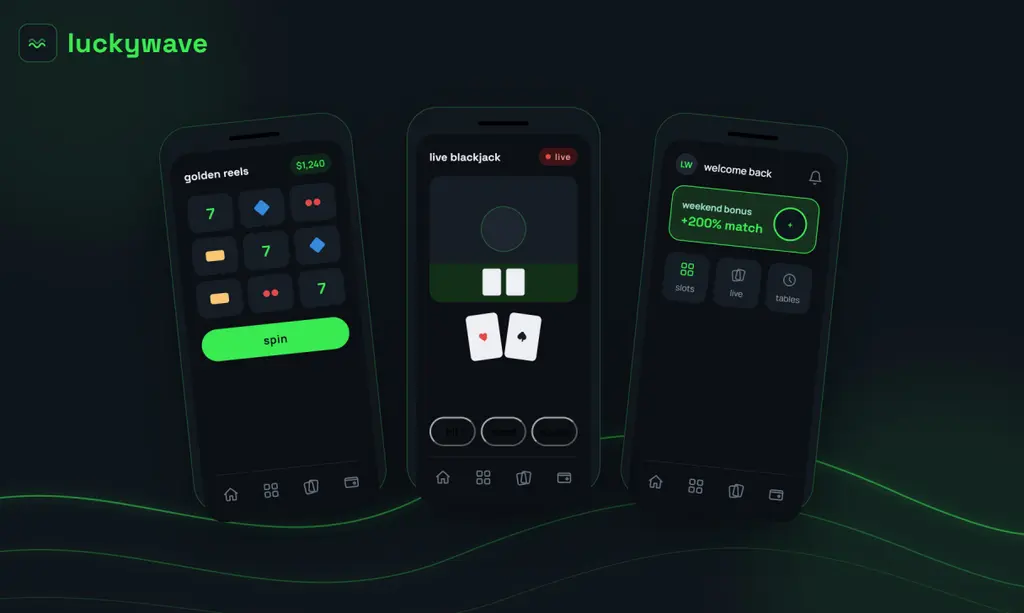
UK players can open the Lucky Wave app on any phone as a PWA and play slots, live tables and jackpot games from one account. It loads fast, even on older phones, and the interface is clean, with buttons big and easy to tap. UK players pick this app because it works well on data and on Wi-Fi alike, so you do not need to sit at a desk to play.
This guide walks you through every step. You will learn how to install it, log in, deposit in pounds and claim bonuses, and by the end, you will see why the Luckywave mobile app is a smart pick for gambling on the go.
How to Use the Application
There is no big manual and no hard steps to use Luckywave Casino app, and most players finish setup during one coffee break. Here we break down the exact steps for Android and iOS, plus a full list of device types the app supports:
- Phone or tablet: pick your device type first — the setup path differs slightly for each
- Android: download the small APK file and install it directly
- iPhone: add the web app to your home screen instead of downloading a file
- PC: skip downloads entirely and open the site straight in your browser
How to Use and Install Luckywave App on Android
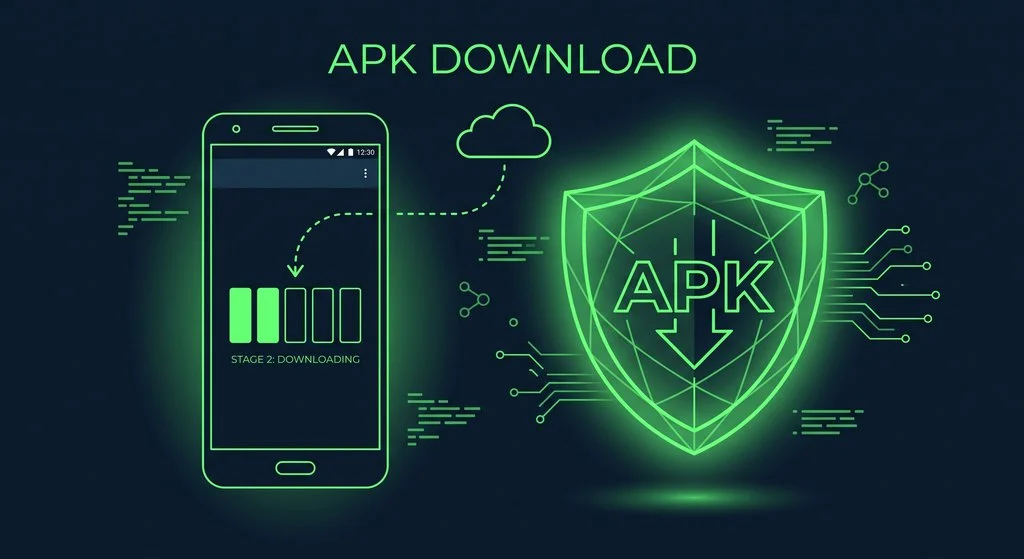
Android phones give you full access to the Luckywave mobile app through a direct file. This file is called an APK, and it skips the app store entirely. Many UK casino apps use this method, since app stores limit real-money games. The whole installation takes under five minutes on most phones. Follow the steps to get set up the right way, from start to finish:
- Open Settings: Go to your phone’s Settings app and find Security or Apps.
- Allow unknown apps: Turn on ’Install unknown apps’ for your browser.
- Visit the site: Open the website using Chrome or another browser.
- Download the APK: Tap the Android download button and wait for the file to save.
- Open the file: Tap the downloaded file in your notifications or downloads folder.
- Install the app: Tap ‘Install’ and wait a few seconds for it to finish.
- Open and log in: Launch the app, then sign in or register to start playing.
How to Use and Install Luckywave Casino App on iOS
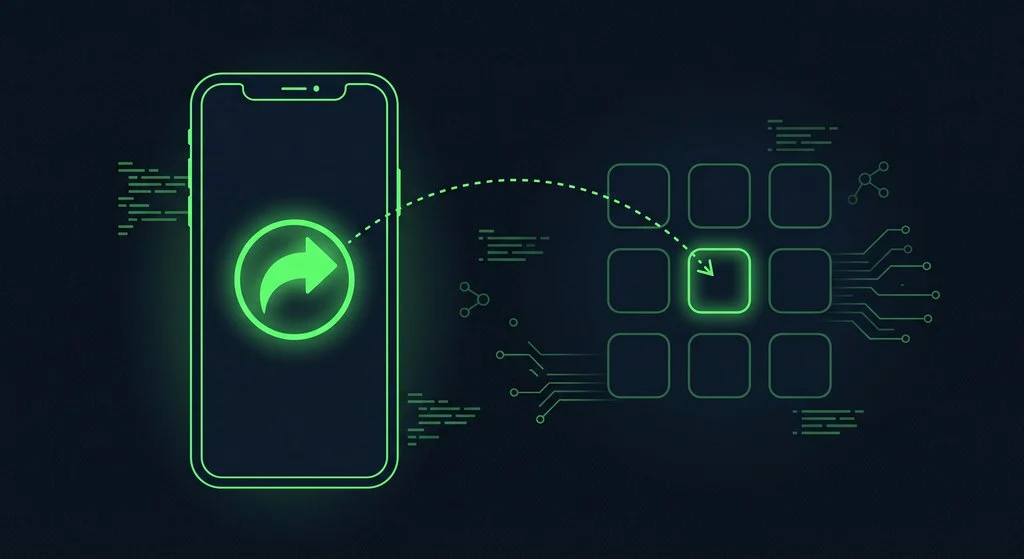
iPhone users reach the Luckywave Casino mobile app differently. Apple’s app store does not allow real-money casino games, so there is no app to download from there. Instead, the app works as a PWA, short for Progressive Web App. This turns the mobile site into an app-like icon on your screen. It looks and feels like a normal app once it is set up. There is no file to install and no waiting for updates, since it runs straight from the browser. The steps below show you how to add it to your iPhone home screen in under a minute:
- Open Safari: Launch Safari and go to the website.
- Tap Share: Find the share icon at the bottom of the screen.
- Choose ‘Add to Home Screen’: Scroll down and tap this option.
- Name the icon: Type a name, then tap ‘Add’ in the top corner.
- Open the icon: Tap the new icon on your home screen to launch the app.
- Log in or sign up: Enter your details and start playing right away.
Available Devices Types
Not every player uses the same device, so the Luckywave app fits many screens. Phones are the top choice, since most UK players gamble on the move. Tablets give a bigger view for live dealer games and card tables. PCs use a web view version, which means the site loads inside your browser with no download at all. Each option keeps the same games, bonuses and account details. You never lose your progress switching from one screen to another. Below is shown what each device type needs to run the app well, along with what it suits best:
| Device Type | Access Method | Minimum Requirements | Best For |
| Phone (Android) | APK file | Android 8.0 or higher, 2 GB RAM, 150 MB free space | Quick play anywhere |
| Phone (iPhone) | PWA (Home Screen icon) | iOS 13 or higher, Safari browser, 100 MB free space | Smooth, app-like feel |
| Tablet | APK or PWA | Android 8.0+ / iOS 13+, 2 GB RAM, stable Wi-Fi | Live casino and card games |
| PC / Laptop (Web view) | Browser, no download | Windows 10+ or macOS 10.14+, stable internet | Full desktop-size view |
Luckywave Casino Mobile App Interface
Once inside, the Luckywave mobile app feels clean and simple. The home screen shows top games, current bonuses and a search bar right at the top. A dark background makes the icons and colours stand out. Green highlights point to key buttons like deposit, bonus and support. At the bottom, a short menu bar lets you jump between the lobby, promotions and your account in one tap. Live casino, slots and table games each get their tab, so you do not need to scroll for ages. Search works fast, showing results as you type each letter.
Everything sits within thumb’s reach, since most players use one hand on a phone. Loading screens are short, and pages do not freeze mid-spin. This is part of what makes the Luckywave Casino app feel easy for brand-new players too. Whether you play slots or watch a live dealer, the layout stays steady and quick across every screen size.
Account Registration and Deposit
Signing up through the Luckywave Casino app follows a short, clear path. First, tap ‘Register’ on the home screen and enter your email, a password and your mobile number. Next, pick your country and currency, which for UK players is pounds sterling (£). You will then add your full name, date of birth and home address. Tick the box confirming you accept the terms, then confirm your details.
Every step happens inside the Luckywave mobile app itself, without ever opening a browser tab. Once your account is open, head to the deposit page. Choose a payment method, such as a card or bank transfer and enter an amount, with most deposits starting from £20. Funds usually land in your balance within seconds. Before your first withdrawal, you will need to confirm your identity with a photo ID. This step keeps your account and your money, safe.
Benefits of Luckywave App Using
Pages open faster, since data is stored on your phone instead of loading fresh each time. Buttons respond right away, with no lag between a tap and the result. The design fits your screen size, so nothing looks stretched or tiny. Notifications tell you about new offers the moment they go live, keeping bonuses current and easy to catch. Battery use stays low too, since the app is built to run light. For UK players who game between other daily tasks, the Luckywave mobile app turns short breaks into real playing time, without the slow loading a plain website often brings.
Bonuses for Mobile App Players
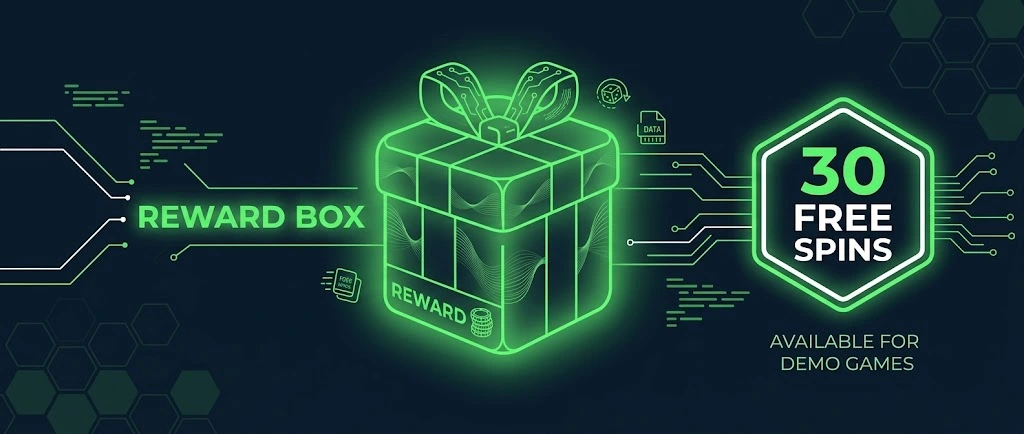
Mobile players get the same offers in the Luckywave app as on the desktop site, plus 30 free spins for installing the PWA. New players can claim a welcome package split across their first four deposits, paid out in pounds, and regular reload spins land in your account twice a week, keeping the fun going after the welcome offer ends. A daily streak boost rewards players who log in and frequently deposit, while a weekly cashback offer softens the sting of a rough week. Crypto users get a small extra reward on top of each deposit made this way.
Every offer inside the Luckywave Casino mobile app carries wagering rules and terms, so it pays to read the small print before you claim. A tight overview of the offers you can get here:
| Bonus Type | Offer | Terms |
| Welcome Package | Up to £15,000 + 300 free spins over 4 deposits | New customers only, 18+, T&Cs apply |
| Reload Spins | Free spins every Tuesday and Saturday | Minimum deposit required, wagering applies |
| Daily Streak Boost | 25% boost up to £300 | Resets each day, T&Cs apply |
| Weekly Cashback | 15% back on net losses | Paid weekly, T&Cs apply |
| Crypto Deposit Bonus | 5% extra on crypto deposits | Where available, T&Cs apply |
Security and Data Protection at Lucky Wave
All data in the Luckywave Casino app, including passwords, card details and personal information, travels between your phone and the server in encrypted form. Login sessions time out after a period of rest, adding another layer of safety on shared devices. Payment pages sit behind secure checkout screens, so card numbers are never stored in plain text. Identity checks during sign-up also help stop fraud and underage play.